
Cable and Charger Zones That Still Look Like Decor
Create a charging zone with a tray, cable organizer, outlet access, and one weekly reset rule so tech fits the room.

By Claire Watanabe · June 26, 2026 · 4 min read
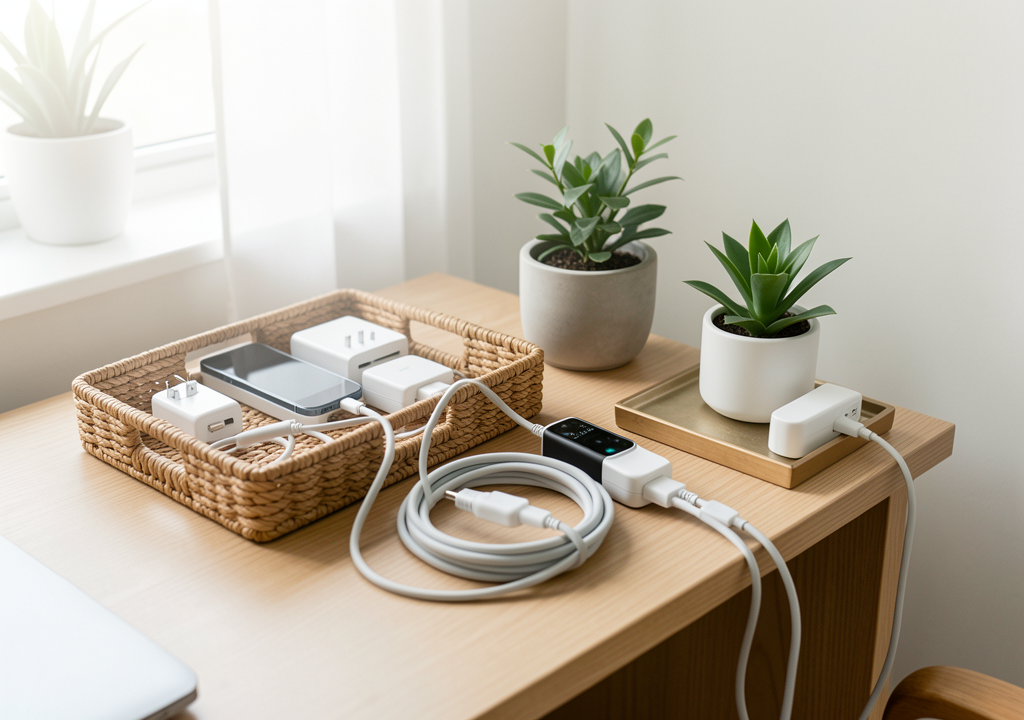
The fastest way to improve charging zone is not to buy the most dramatic object. It is to understand the small visual decision that keeps repeating in the room. In this case, the recurring issue is simple: cables and chargers are practical but visually messy, and without containment they dominate any surface. When that friction is ignored, the room can be technically furnished and still feel unfinished.
This guide treats Cable and Charger Zones That Still Look Like Decor as a practical design system for real homes. It is written for renters, busy households, and readers who want a better-looking room without turning the house into a showroom.
Start with the visible friction
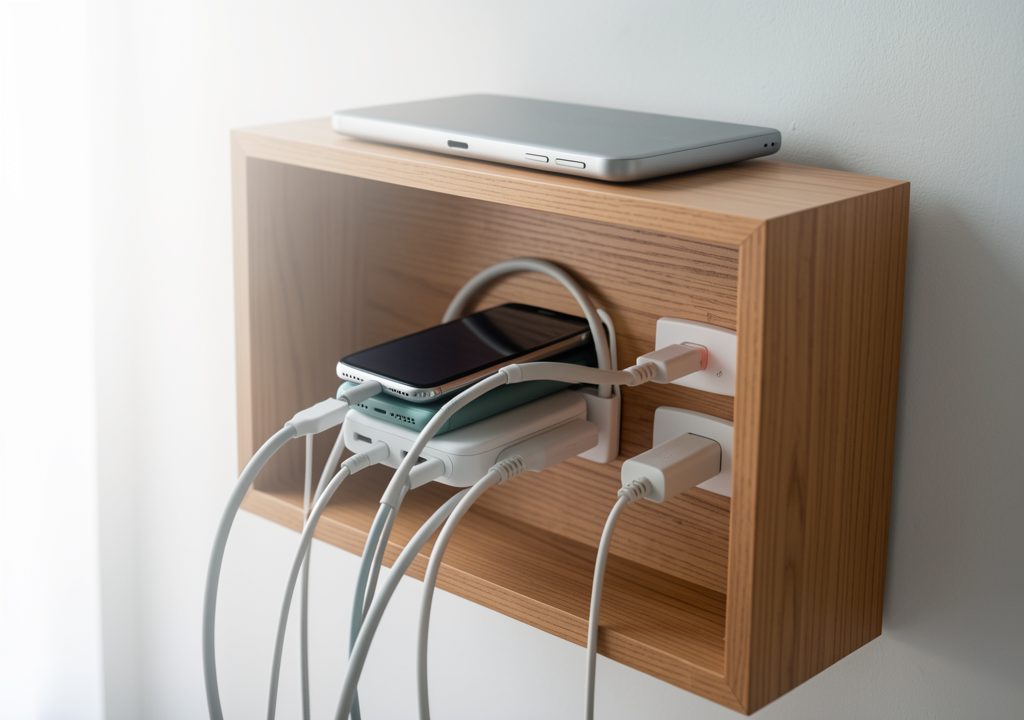
Stand at the doorway and notice what your eye reads first. Do not begin with a shopping list. Begin with the visible friction: cable containment, tray definition, outlet access, device limits, and the reset schedule. In an ordinary charging zone, those details decide whether the space feels calm, intentional, or visually noisy.
A useful first pass takes ten minutes. Remove the objects that are clearly out of place, then put back only what supports the room's job. If the room still feels wrong after that edit, the issue is probably proportion, light, color rhythm, or storage logic rather than the number of objects.
The field test
| Decision point | What to check in this charging zone | Practical move |
|---|---|---|
| Main friction | Cables and chargers are practical but visually messy, and without containment they dominate any surface | Name the friction before changing objects. |
| Visual anchor | Cable containment, tray definition, outlet access, device limits, and the reset schedule | Use it as the rule for what stays visible. |
| Materials | One tray, cable organizer or box, phone stand, and access to one or two outlets | Limit devices to what actually charges daily. |
| Review signal | Whether the zone looks like decor with tech, not a tangle of cables, from across the room | Revisit the setup after one ordinary week. |
The field test matters because a room is not evaluated only in a finished photograph. It has to work during a rushed morning, a quiet evening, and a normal reset. For cable and charger zones that still look like decor, the most useful signal is whether the zone looks like decor with tech, not a tangle of cables, from across the room. If the answer is no, simplify the system before adding a new piece.
Build the change in layers
Work in three layers. First, define one tray that contains all charging activity and prevents cable spread. Second, use a cable organizer or box to hide the tangle while keeping devices accessible. Third, limit visible devices to those that charge daily and add a weekly reset rule to clear accumulation. For this room, the most reliable materials are one tray, a cable organizer or box, a phone stand, and access to one or two outlets.

The practical move is this: contain cables on one surface instead of letting them trail across the room. That sentence should guide every small decision. If an object does not support the sentence, it either needs a better place, a calmer container, or a reason to leave the room entirely.
A realistic example
Imagine the room on a Thursday evening, not on a styling day. Someone enters, uses the space, drops one item, adjusts the light, and leaves. A fragile design collapses immediately. A useful design absorbs that ordinary behavior because it gives common objects a clear place and gives the eye a clear rhythm.
In a charging zone, the rhythm usually comes from one contained surface and one consistent rule about what gets charged daily. The anchor does not need to be expensive. It can be a wood tray, a ceramic board, or even a defined zone on a side table. What matters is that the same visual rule appears more than once.
Mistakes to avoid
- Do not let cables trail off the tray across multiple surfaces.
- Do not skip the cable organizer or box that hides the tangle.
- Do not leave dead devices and old cords visible indefinitely.
- Do not place the charging zone in the main visual path if possible.
- Do not forget that a weekly reset keeps the zone from accumulating debris.
Maintenance rule
If cords stay hidden for a week and the zone stays tidy, keep the divider and tray layout as is. If cables drift back into view, shorten one cable or move a device to a second, less visible outlet. A charging zone works best when daily charging happens without needing a reset.
Related reading
Continue with How to Make Open Storage Look Orderly, Create a Drop Zone That Stays Attractive, Hide Visual Clutter Without Hiding Everything. Those guides approach the same home from nearby decisions, so the room can improve as a connected system instead of a collection of unrelated fixes.
Final takeaway
Cable and Charger Zones That Still Look Like Decor works when the room becomes easier to read and easier to reset. The goal is not a perfect interior. The goal is a home that communicates care, supports daily use, and still feels like people live there.
Read next

How to Make Open Storage Look Orderly
Open shelves need rhythm, not perfection: repeat container types, leave breathing room, and separate display from utility.

Create a Drop Zone That Stays Attractive
Turn the place where keys, bags, and mail land into a small system that looks deliberate instead of chaotic.

Hide Visual Clutter Without Hiding Everything
Use selective concealment, repeated containers, and open-access zones so daily items stay reachable without dominating the room.